Open the database you need.
Save a connection, or connect at server level and choose from every database your account can access.
savedLocal PostgreSQLlocalhost:5432
● inventory
○ analytics
○ postgres
Enter open database 3 available
Open the database, find the row, follow its relationships, see what changed, and protect it—without leaving the terminal.
Choose a job. See how dbterm keeps it close.
Save a connection, or connect at server level and choose from every database your account can access.
● inventory
○ analytics
○ postgres
Enter open database 3 available
Write with instant local SQL and schema suggestions, browse tables, search objects, filter and sort results, inspect full cells, and keep recent SQL close.
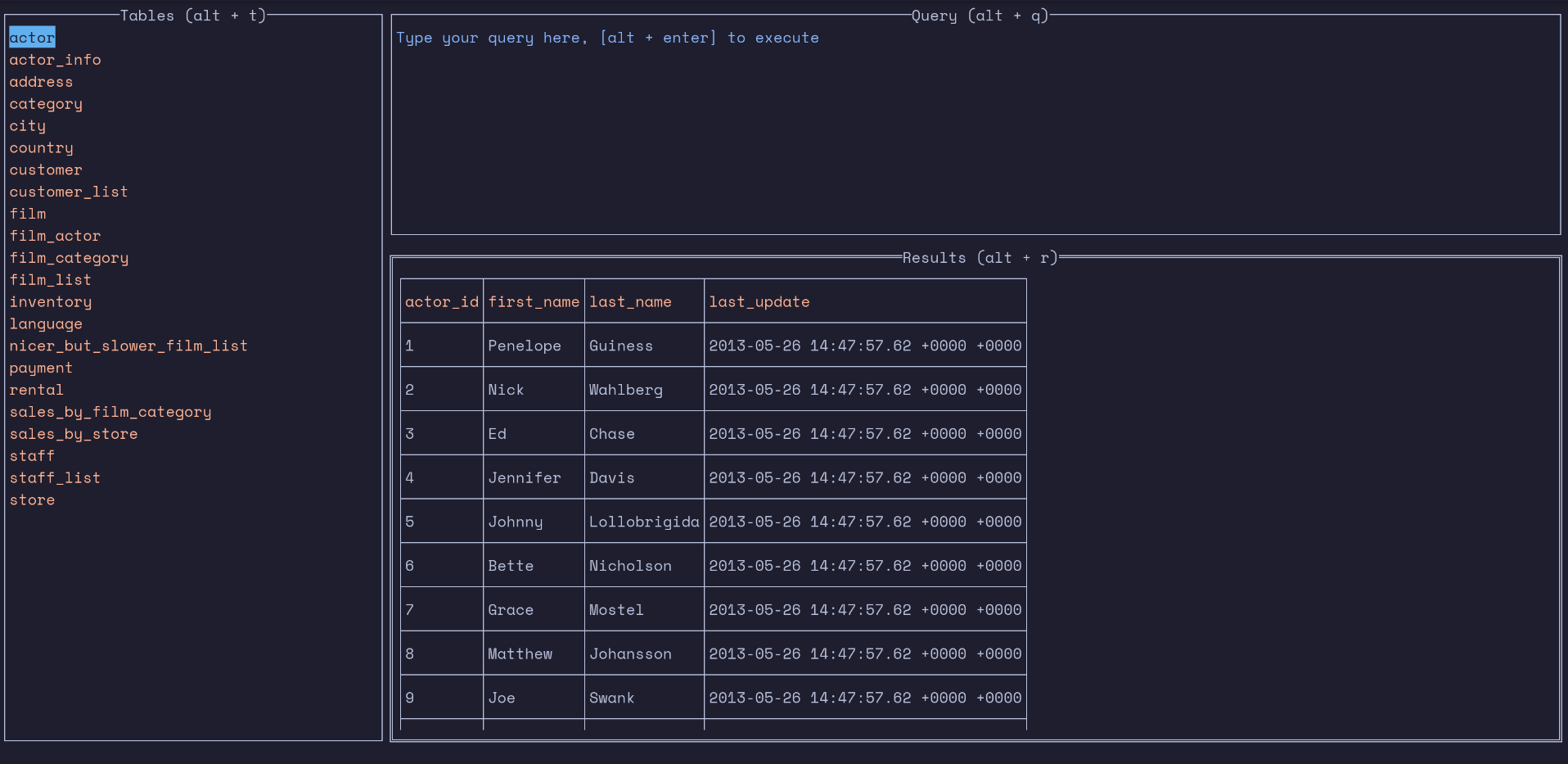
Follow declared primary and foreign keys in either direction, then step back through your navigation history.
← back 2 relationships followed
Create a named Change Profiler anchor, run the process you care about, then review exact row, column, table, and schema differences.
orders / #825status: pendingstatus: paidpayments / #17503new rowEnter inspect change baseline removed after report
Back up local or reachable remote databases to an absolute local folder or OS-mounted volume, manually or on a schedule.
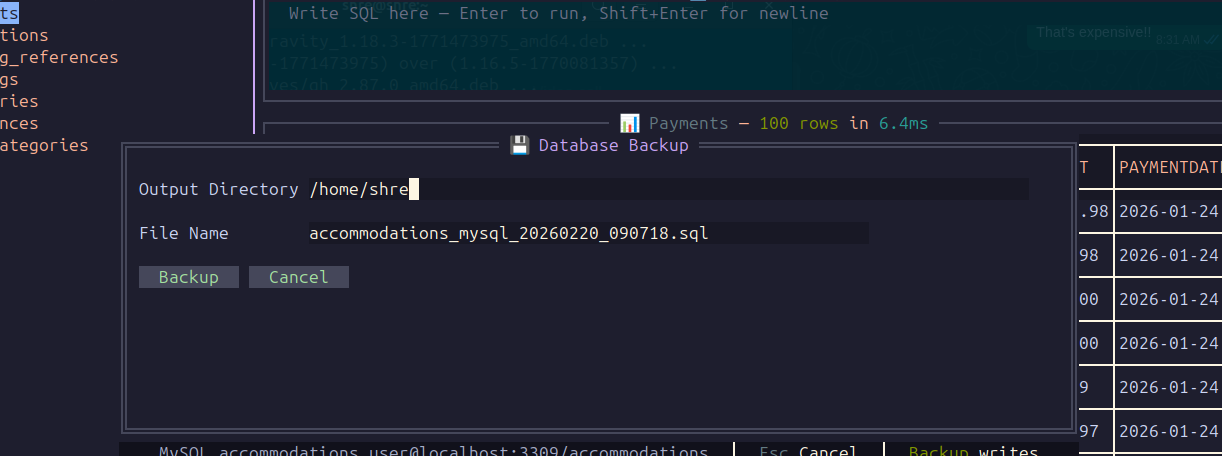
Use the same keyboard-first flow across local files, database servers, and cloud databases.
Connections, history, baselines, and backup state stay on your machine.
dbterm connects directly from your computer to your databases.
Read the code, report a bug, or shape what comes next.
Your everyday database loop, in one terminal.